The latest Apple news from the experts in Mac, iPhone, iPod, and iPad Repair. This blog covers everything from new repair guide releases to tips and tricks to the latest take aparts on the newest gadgets.
We’ve just released our latest take apart video. This video covers taking apart the 2017 13″ A1706 Macbook Pro with Touchbar. The video covers removing the display, top case, fans, etc…
In today’s component level repair video, we will show you how to replace the GPU on a 15″ 2011 Macbook Pro with board number 820-2915. This has become one of our most common repairs due to the high failure rate of these chips. The repair does unfortunately require special hardware so it isn’t one that just anyone will be able to do at their home.
In the next video in our series of Macbook Pro component level repair guides we discuss how to diagnose graphic problems with the 2010 A1286 Macbook Pro. Specifically we discuss how the NVIDIA GPU isn’t always the issue. Sometimes the capacitor goes bad reducing the voltage to the GPU and we show you how to replace that capacitor.
In our latest Macbook Pro logic board repair video we show you how to replace an LVDS display connector on a 15″ Macbook Pro A1286 board. Specifically the board we work on in this video has a board number of 820-2915.
We’ve added another video to our Macbook logic board repair series. This video gives a general overview of how to locate components you may need to replace using the schematics and a board view.
In the first video in our Macbook logic board repair video series, we show how to repair the backlight in an A1278 Macbook Pro with board number 820-3115. Specifically the video will show you how to replace the backlight fuse which is the main culprit when diagnosing no backlight issues on these boards.
We do of course have a component level Send-In repair service for those not up to the task of micro soldering at the link below: Macbook Pro Logic Board Repair
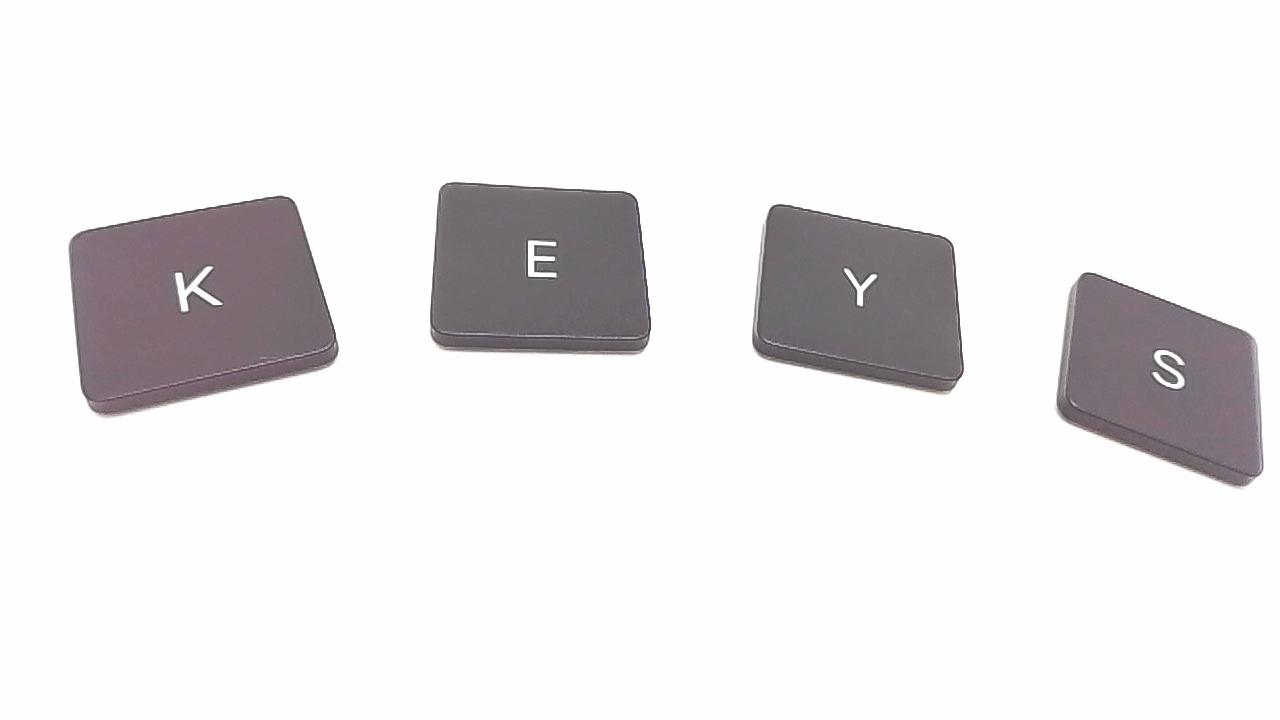
If you’ve broken or lost a keycap on your Macbook Pro Touchbar or 12″ Retina Macbook, our individual keycap replacements will spare you the cost and hassle of having to replace the entire top case.
The key replacements are compatible with the following models: A1534 / A1706 / A1707 / A1708.
There are currently two revisions of these keycaps. The easiest way to tell the difference between the keys is to compare slight differences between the text on certain keys. The Revision ‘A’ return key also says ‘enter’, the option keys also say ‘alt’ along the top, and the control key does not include an up arrow / carrot along the top.
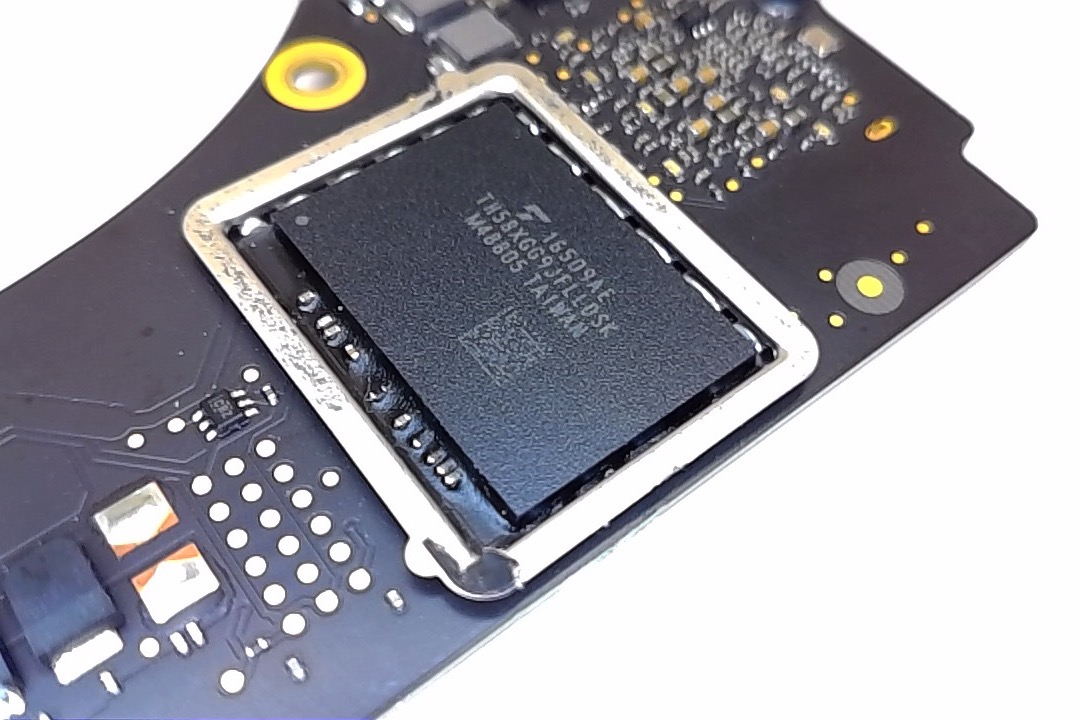
With the introduction of the Macbook Pro Touchbar units (model numbers A1706 and A1707), Apple decided to get rid of upgradable SSD blades choosing instead to go with onboard storage. As a result of this, whatever storage size your Macbook Pro Touchbar unit came with is what you are stuck with unless you replace the board or (what Apple prefers) you buy a new Macbook Pro.
A major downside of building the storage onto to the main board is that if anything goes wrong with your logic board you will be unable to access your data.
Our Macbook Logic Board repair service is one option to recovering your data. With this service, our component level techs can try to get your board up and running by replacing the faulty components on the board.
In the event a board is unrepairable however, we have other options to save the data from your Macbook Pro Touchbar. With these new options we can either install a replacement board in your system and then transfer the data from the old board to the new board ( a $99 transfer fee applies) or we can simply take the data off your old board and put it on external media for you to get the files you need. (This service is $150 + external media cost. You can provide your own external media for this service.)
Looking for a replacement key for your Retina Macbook Pro? We have keycaps replacements for the model A1398 and A1502 2012-2016 Macbook Pro models available at the link below.
There are two revisions of keycaps for the Macbook Pro retina models, a REV A and a REV B. If you’re able to take the bottom pan off of the unit, you can easily confirm which revision you have by looking at the middle two cells on the battery. If there is a warning in white text on the middle two cells, then you have a REV B. If there is no white text written on the middle cells, then you have a REV A.
You can also tell the revision by looking at the keycaps themselves. The picture below shows the differences in the Macbook Pro Retina keycap replacement revisions.
Our video showing how to take apart the 2016 15″ Macbook Pro with touchbar is now up. The video covers the complete disassembly including the display and top case.
The video can be found embedded below or on our site at the link below: