Easy Search [ ? ]
 
Home  >>  Handheld  >>  Amazon  >>  Kindle  >>  Kindle 3

Kindle 3

Submitted By: powerbookmedic
Approved On: 7/28/11
Description: This is an official Powerbookmedic.com takeapart guide for the Kindle 3.

Get Adobe Flash Player
User Rating:  Please rate this video.

Comments (92):

Powerbook Medic
1 week ago
@Nick - at that point I would say yes.
NickC
1 week ago
My kindle is frozen, it will give me a yellow light as its charging, but no green light when I try to power on and no green light when I try to hard reset. I have tried the battery removal and it doesn't seem to work. I now try to connect with usb to my pc and it fails to connect. Do you think this would be a motherboard issue?
Powerbook Medic
1 week ago
@Simon - I would probably try the screen first.
Simon
1 week ago
Hi, my kindle 3 is stuck on the screen saver screen. No damage or impact or sudden temperature changes, just one day... frozen screen. I have tried the hard and soft resets multiple times; disconnected the battery, waited then reconnected. There is no obvious damage to the screen. The voice guide is working, so the Kindle turns on and off and navigates pages etc just can't see any of it. I have read the other posts here, do I need a new motherboard or screen? Thanks for your help and great tips!
Russ
1 month ago
I failed to mention that directly after I dropped my kindle, it was blank, and after several resets, it is now sort-of limping along. At first, it kept toggling from the Home screen to the selected book, then back again. Then I'd do another reset, and it would be on the last page read, frozen. Another reset, and it would go to the 'screen-saver' screen. Very intermittent. Please help-I can't go back to normal books! Thanks. Russ
Russ
1 month ago
I dropped my Kindle Keyboard. Now, the spring-loaded power switch on the bottom edge is very tight, and doesn't spring back anymore. Can be moved if you push it. Machine now does uncalled-for things, too, like go to the Home screen when you turn the page, but only intermittently. What needs replacement? Thank you. RPV
Powerbook Medic
2 months ago
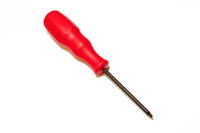
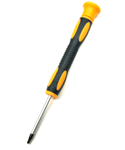
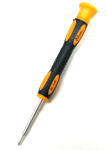
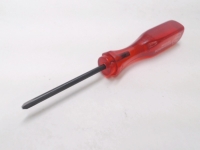
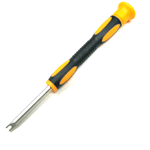
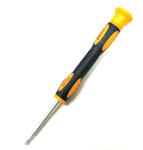
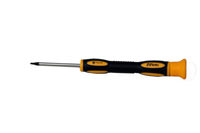
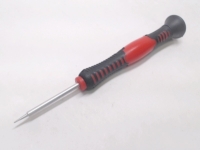
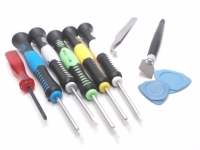
@Elise - we sell a #00 screwdriver in the tools list to the right. Some jewelers screwdriver kits will have one small enough.
Elise
2 months ago
what size phillips screwdriver do you use? I cannot find one small enough for the tiniest screws. Do you sell one here that will work?
View all comments


If you would like to leave a comment about the video, please type in your name and comment below.

You must have cookies and javascript enabled to submit comments

Name:
Comment:


Service Parts
Tools
 
Copyright 2013 PowerbookMedic.com, LLC
Terms & Conditions | Warranty Policy | Educational and Dealer Discounts | Recover Password | RSS
Newsletter | Privacy Notice | About Us | Contact Us | Site Map | International Shipping | Request a Part | Account Login